Education / Business App Setup & Resources
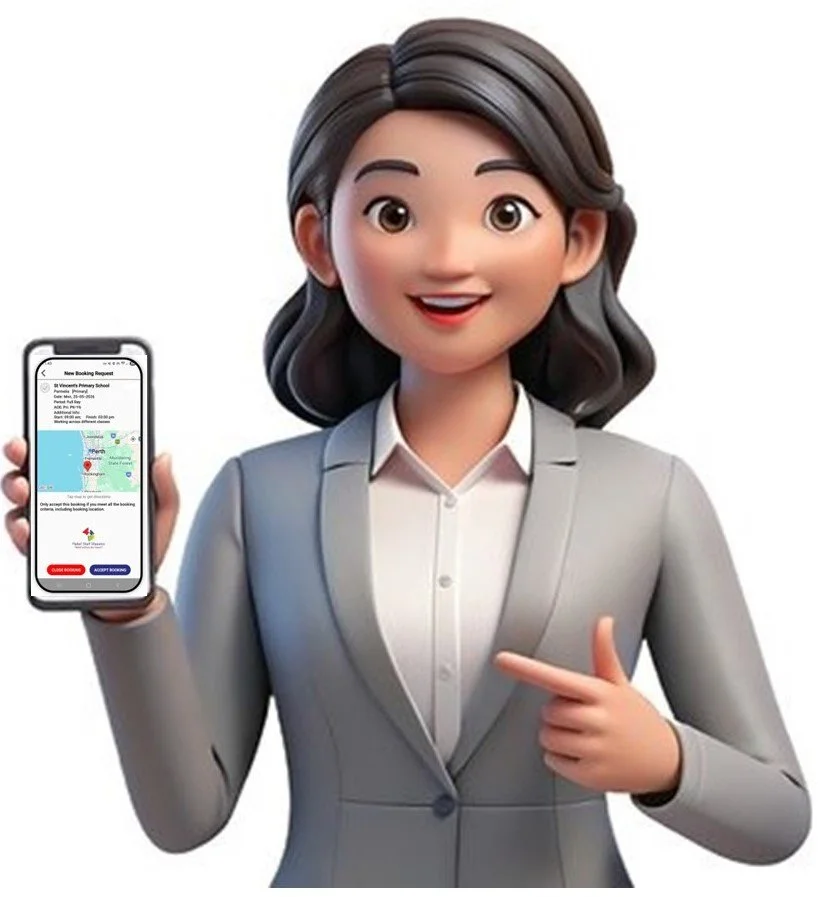
Once activated, download the RSM App, Login, and start making and managing booking requests.
Get Started with the RSM App
Once you receive your activation email, you’re ready to start using the RSM App.
Step 1: Download the App
Download the free RSM App and log in using your registered username and password.
Step 2: Check Your Phone Is Ready
Before downloading, please make sure:
📱 Your phone software is up to date
Apple: iOS 15.0 or later
Android: Version 12.0 or later
🔔 You must allow notifications with a permanent banner and sound on the RSM App.
You’ll get the most value from RSM when notifications are switched on and audible.
Need Help Setting Up Notifications?
If you’re unsure how to enable notifications:
🔎 Search YouTube for your phone model + “app notifications”.
📖 Check your phone’s user manual.
📞 Ask your phone provider for help.